














- Описание
- Отзиви (0)
Описание
Description
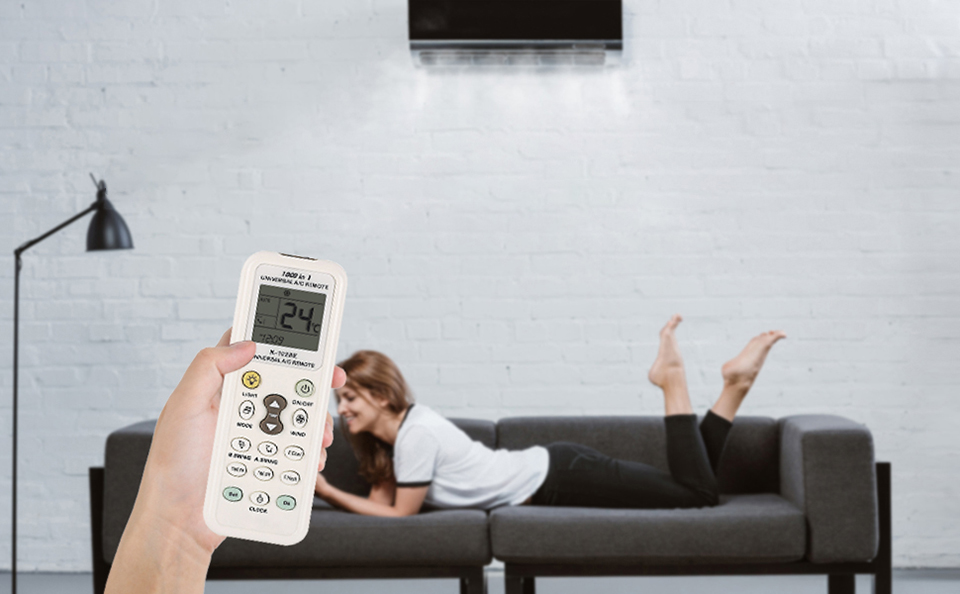
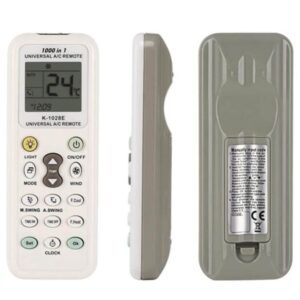
Universal Remote for Air Conditioner K-1028E, brand new and high-quality, is compatible with 99% of air conditioner brands, such as Gree, Carrier, Midea, LG, Samsung, Daikin, Fujitsu, Hitachi, Panasonic, Sanyo, Sharp, Haier, Mitsubishi, TCL, Toshiba, Hisense, Whirlpool, Hyundai, and over 1000 brands.
(BUT NOT for WINDOW/PORTABLE air conditioners)
The remote’s chip has a built-in memory function, ensuring no reset is needed for short power-offs, such as battery replacement, etc.
Make your life more convenient
Equipped with clock, timer, factory settings, quick cooling, and heating functions. (Please note: if your original air conditioner doesn’t have a timer function, the timer on this remote may not work with your device.)
Quick cooling function
Summer is coming! Feeling hot when you get back from outside? Let this universal air conditioner remote help. It has a quick cooling function to keep you comfortable.
Easy to use, four pairing methods
The K-1028E is set to a default mode before shipping and can work directly with most Gree and Midea air conditioners. If it doesn’t work, try the following methods: Brand button, Auto search, Manual code entry, Manual code search.
Remote Control Setup Method
A. Automatic digital search for available type
- Manually turn on the air conditioner and point the remote at the A/C’s receiver window.
- Press and hold the SET button for 6 seconds until the type code changes (+1). The remote is now in fast search mode for an available type. Check the A/C status and press OK to finish the search when the air conditioner turns on automatically.
- Check whether the buttons function properly (except TEMP+, TEMP-, TIME ON, TIME OFF, SET). Press OK to confirm if everything works and the code is valid. If not, press SET to continue searching.
B. Point-to-point quick search
- Manually turn on the air conditioner and point the remote at the receiver window.
- Press and hold the CODE button until the air conditioner starts operating automatically with a clicking sound, then release the button—the setup is complete.
C. Manual code search
- Manually turn on the air conditioner and point the remote at the receiver window.
- Press and hold SET for about 3 seconds until the type code blinks in the display, then press TEMP+ once. Check the A/C status and press OK to finish the search when the air conditioner turns on automatically.
D. Manual code entry
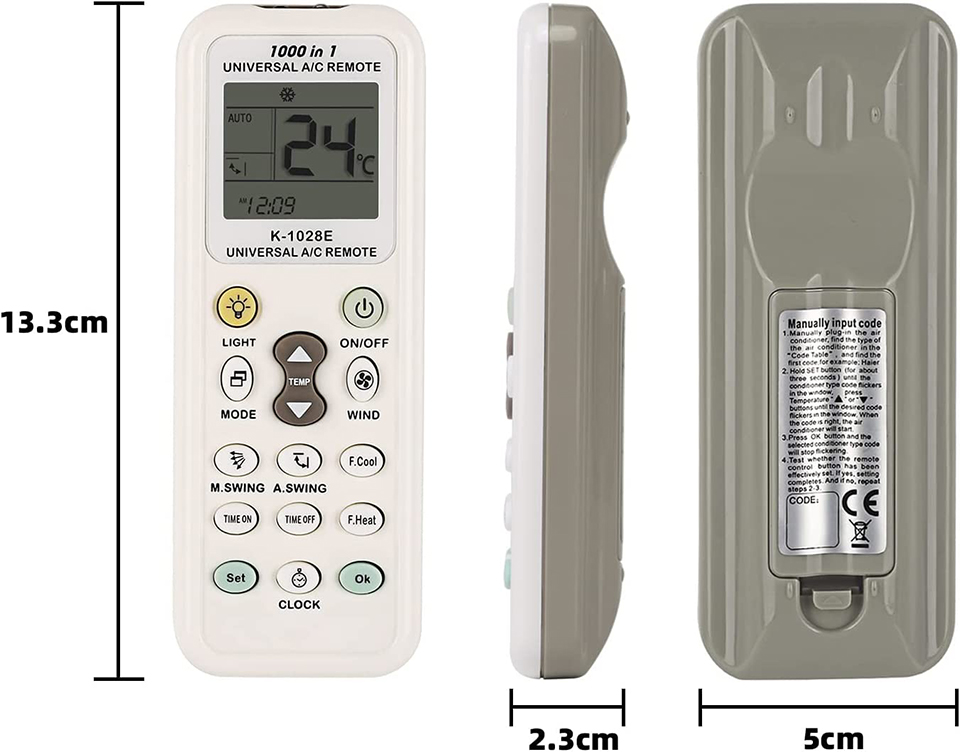
- Manually power on the air conditioner. Identify the A/C brand and the first code from the code list (take HAIER as an example).
- Press and hold SET for about 3 seconds until the type code blinks in the display, then press TEMP+ until the required code appears and is blinking. The air conditioner will turn on if the code is correct.
- Press OK and the type code will stop blinking.
- Test the remote’s functions to ensure everything works properly. If not, repeat steps 2–3.
Button Description:
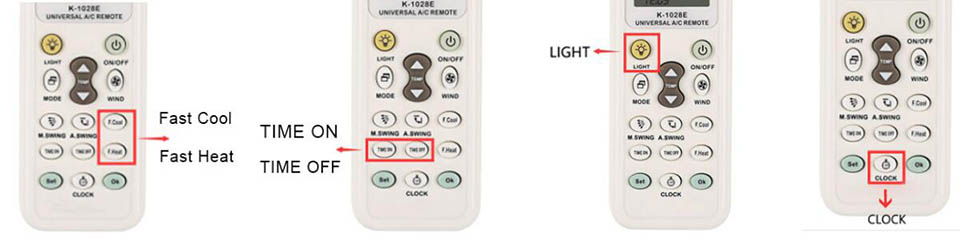
FAST COOL / FAST HEAT
- Press FAST COOL: A/C switches to cooling mode, temperature set to 21°C, strong airflow, auto direction.
- Press FAST HEAT: A/C switches to heating mode, temperature set to 27°C, strong airflow, auto direction.
NOTE: In heating mode, press EA HEATING to turn on the electric heating function. (This feature is available on some models.)
TIME ON / OFF Function
Equipped with the remote’s original timer function. The A/C’s timer indicator light will illuminate after pressing TIME ON or TIME OFF, indicating the air conditioner is operating in timer mode.
LED Flashlight
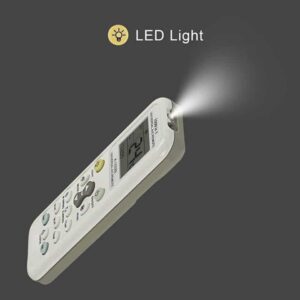
Press and hold the Light button to turn the LED on; release it to turn it off.
With the LED light, it’s easy to use in the dark. The large LCD makes it easy to set and operate.
Set the CLOCK Function
Press and hold CLOCK (about 3 seconds) to enter clock-setting mode; the clock will flash. Adjust the time with TEMP+ and TEMP-. Press CLOCK again to exit.




Отзиви
Все още няма отзиви.